
Pick what you want to speak
Choose your native language, the one you'd love to speak, and where you're starting. We'll find a comfortable first step.
“A word or two is a start.”
Our new app for speaking practice. Say a phrase in your new language and your scene changes, one small speaking moment at a time.
Free to start · Android now, iPhone coming soon


try a scene
A peek at an early lesson: build a look one phrase at a time. In the app, you say each line and the effect snaps onto your face in real time.

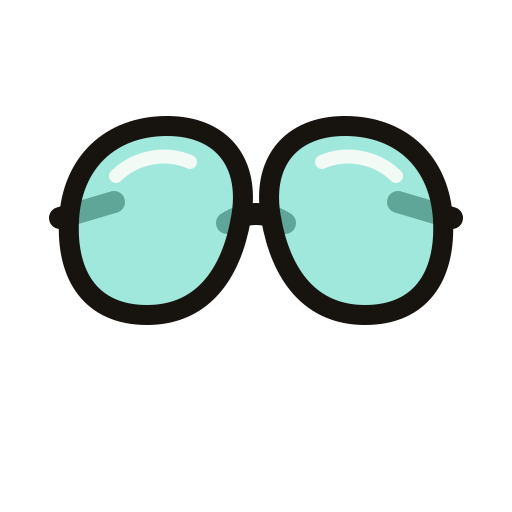

Ponte las gafas.
Put on the glasses.
Sample phrases for illustration (English → Spanish).
how it works
Every lesson happens in front of your camera. When you get the words out, something happens on screen, so you know it landed.
Choose your native language, the one you'd love to speak, and where you're starting. We'll find a comfortable first step.
“A word or two is a start.”
Read it, hear it, then say it. Need a nudge? Listen and Show phrase are always one tap away.
“Ponte la corona.”
Every successful turn changes your scene, and every lesson builds to a finale worth screenshotting.
crown on. glasses off. you, laughing.
what's inside
Follow the path or wander off it. Your progress stays yours either way.
One clear next lesson at a time, from first words to full sentences, with reviews when you're ready for them.
Short, optional lessons for when you want something quick and a little weird.
Themed packs of everyday situations, so the words show up where you'll actually need them.
questions
Nervous is normal. You can be nervous and still say it.
No. They're two separate apps from Sap Sap. Speak focuses on saying things out loud to your camera; Photo helps you learn words from your own photos.
Speak is on Google Play for Android now. The iPhone version is coming soon.
Yes. You can start practicing for free, and you don't need to create an account.
Yes. Your first words don't need to be perfect. Early lessons show the full phrase and model audio, and you can always tap Listen or Show phrase.
Speak's setup is available in English, Spanish, French, German, Italian, Portuguese, Polish and Korean. You choose your native language and the one you'd love to speak when you set up.
Your camera shows the effects and your microphone makes them happen. That little moment of “it worked” is what makes a phrase stick. Speak doesn't record or upload your camera video or photos. Details are in our Privacy Policy.
No. Speak works without a Sap Sap account, and your setup and lesson progress are stored on your device.
Because progress lives on your device, resetting the app, clearing its data or reinstalling can erase it. See Support for help.
No. Your app and your existing links keep working. You can still find Sap Sap Photos at sapsap.me/photos.